

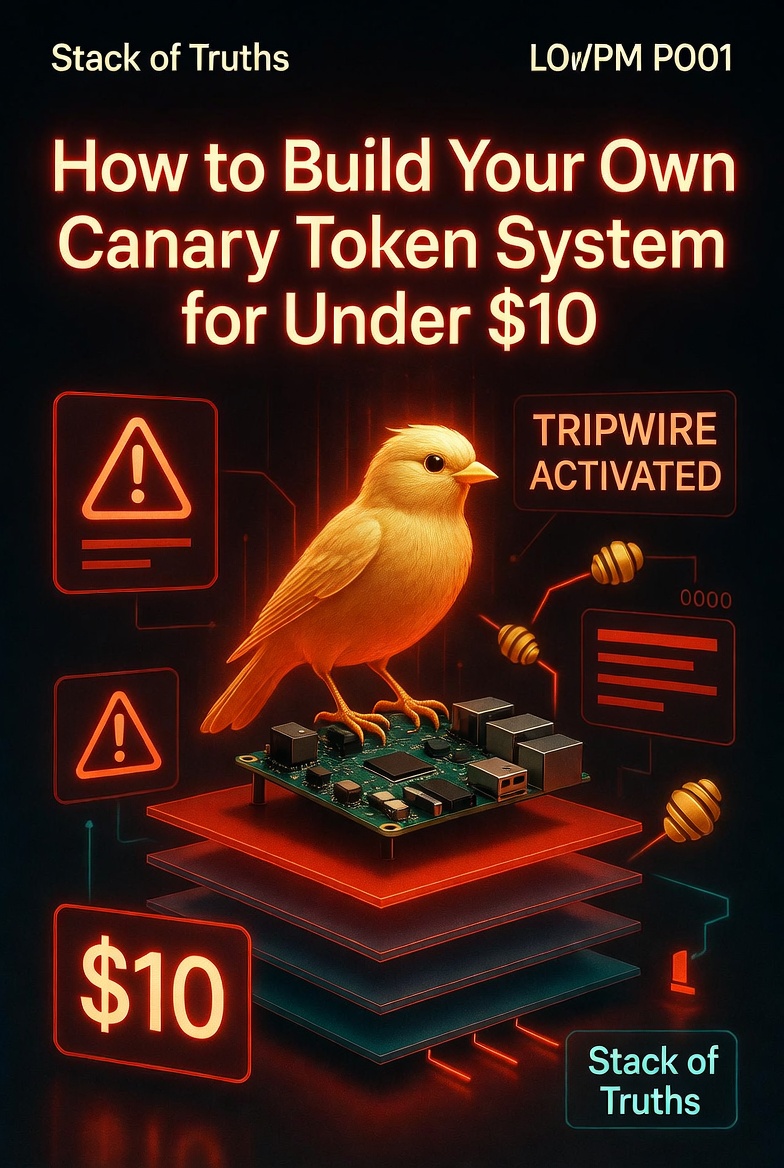
How to Build Your Own Canary Token System for Under $10
An intruder breaks into your server. They find a file labeled passwords-prod.txt. The second they open it, you get an email — before they’ve done anything else. While they’re still deciding what to steal, you’re already resetting keys, locking accounts, and calling your team.
That’s the power of canary tokens. Fake credentials, dummy config files, and hidden web paths that exist only to alert you when someone touches them. It’s the cheapest detection system you’ll ever build. And you can do it on your own VPS for well under $10 — most of which you’re already paying for hosting.
You can’t prevent every breach. But you can detect it the second it happens. Canary tokens turn an attacker’s curiosity into your earliest warning signal — often before they touch a single real file.
What Are Canary Tokens?
Canary tokens are digital breadcrumbs that look valuable but are actually harmless decoys. When someone interacts with them — opens a file, makes an HTTP request, runs a script — the system sends you an instant alert. They’re named after the canaries coal miners used to carry: if the bird stopped singing, you knew danger was near.
In the modern world, a canary token can be:
- A fake
.envfile with “production secrets” - A dummy SSH key in
~/.ssh/ - A URL that only an attacker would find (and automatically email you when visited)
- A web endpoint that logs the visitor’s IP and user‑agent
Today, we’re building all of the above on a standard Ubuntu VPS, with real‑time alerts sent straight to your Zoho inbox. Total cash outlay: the cost of the server you already own.
Your VPS costs $6–$12/month (Hostinger, DigitalOcean, etc.). Everything else — inotify, bash, nginx, curl — is already installed. This project adds zero extra cost. The “$10” is a rounding error on the hosting bill you’re already paying.
Step 1 — Lay the Decoys (Fake Credential Files)
Attackers often run find . -name "*.env" or grep -r "password" . as soon as they land. Let’s give them what they want — but make it a trap.
Step 1.1 — Set up inotify to watch the trap
inotifywait is a Linux utility that watches files and directories. When someone reads or writes to our decoy files, it triggers a script.
The example above uses Zoho’s SMTP. Replace the email address, recipient, and app password with your own. For quick testing, you can also use a generic
mail -s "alert" your@email.com if your system has a mail transfer agent configured.
Now watch the decoys:
Step 2 — Nginx Honeypot Paths
Attackers scan for common sensitive paths: /phpmyadmin, /backup.zip, /config.json. Let’s give them a few custom endpoints that only a scanner would find — and log every visit.
Add these location blocks inside the server { } section:
Test and reload nginx:
Step 2.1 — Alert on honeypot hits
Parse the honeypot log and send an email when something accesses it.
curl https://yourvps.com/backup.zip → “This is a decoy. Your IP has been logged.”curl https://yourvps.com/.env → “DB_PASSWORD=fake_canary_token…”What you see immediately: an email with the attacker’s IP, timestamp, and the exact path they tried.
Step 3 — Real‑Time Email Alerts to Zoho
You need alerts that work, not a script that dies after you log out. Let’s create a persistent systemd service for both the file watcher and the web honeypot.
Don’t monitor your entire filesystem — that creates noise. Watch only the decoy directories. Also, use `modify` instead of `close_write` to catch `cat` and `less` commands that only read a file.
Step 4 — Test Your Canary
Now for the fun part. Pretend you’re an attacker and try to trigger your own traps.
Within seconds, you should receive an email containing the file name, user, source IP, and timestamp. If not, check /var/log/canary_alerts.log and /var/log/nginx/honeypot.log for errors.
Fine‑Tuning for Real‑World Use
- Distribution: Copy the same `.secrets` folder to every server you manage. Attackers who jump between hosts will trigger alerts across your estate.
- Deception filename: Use filenames like `prod-backup.env`, `aws-root-keys.txt`, or `oauth-tokens.json` — names that an intruder can’t resist.
- Log aggregation: Send alerts to a central SIEM or a Discord/Slack webhook instead of email for faster triage.
- Self‑destruct on trigger: Add a hook to immediately revoke API keys or quarantine the server when a canary fires.
For less than $10 (and zero additional hardware), you’ve built a detection system that big companies pay thousands for. It won’t stop a targeted attacker, but it will catch the 99% of opportunistic scans and low‑skill intrusions — often before they even know they’ve been spotted.
An intruder opens passwords-prod.txt. Your phone buzzes. Game over for them, game on for you.
What a Professional Pentest Adds
This DIY system is excellent for early detection, but it doesn’t replace a full security audit. A real penetration test will:
- Find the gaps in your detection — can an attacker read your decoy files without triggering `inotify`? (Often yes, with certain tools)
- Test if your nginx honeypots are discoverable and whether an attacker can differentiate them from real endpoints
- Simulate a breach to see whether your alerting workflow actually leads to a response (most alerts are ignored)
Canaries are cheap and effective. But they’re not a substitute for a real adversary simulation.
Want to know if your canaries actually work?
Let me test your detection. Full infrastructure pentest: €3,000. AI Red Team: €5,000. Security retainer: €1,500/month.
📩 DM @StackOfTruths on XFree 15-min consultation. No hard sell. Just honest answers about your detection gaps.


















Leave a Reply