
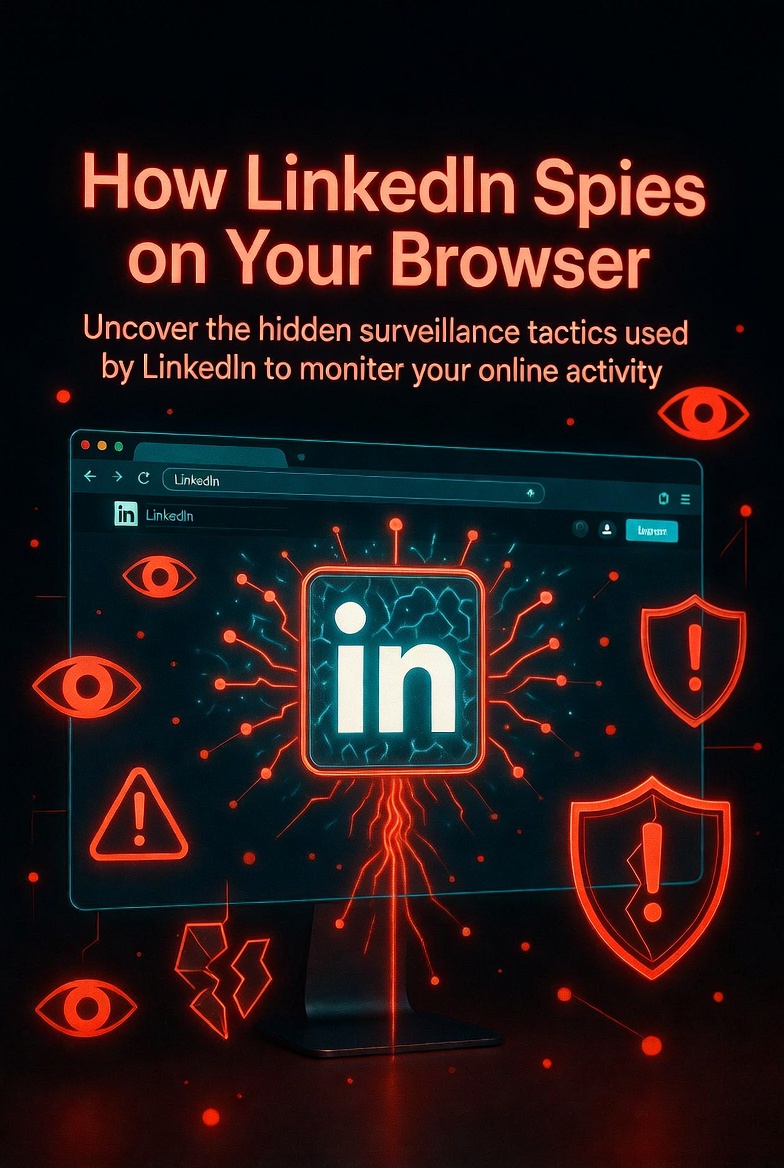
BrowserGate: How LinkedIn Spies on Your Browser
Your professional network is watching your browser. Not metaphorically. Literally.
A new investigation has exposed that LinkedIn injects hidden JavaScript into every page you load. It scans your browser for over 6,000 Chrome extensions and collects detailed device data. Without your knowledge. Without your consent. Without a word in their privacy policy.
6,236 extensions scanned. 405 million users affected.
LinkedIn silently audits every Chrome extension you have installed — mapping your political leanings, religious beliefs, health status, and job search activity to your real identity.
What LinkedIn’s Hidden Code Does
| What They Scan | How Many | What They Learn |
|---|---|---|
| Chrome extensions | 6,236 | Political leanings, religious beliefs, health status, competitor tools |
| Device fingerprints | — | CPU cores, RAM, battery status, screen resolution, OS version |
| Job search extensions | 509 | Who is secretly looking for work |
| Religious extensions | Detected | PordaAI, Deen Shield, and others |
| Disability/neurodivergent tools | Detected | ADHD apps, autism support extensions |
The Timeline of Escalation
- 📅 2024: ~460 extensions scanned
- 📅 February 2026: ~3,000 extensions
- 📅 Today: 6,236 extensions
The scanning has grown 13x in just two years. And they never told anyone.
Why This Is Dangerous
LinkedIn accounts are tied to real names, employers, and job titles. Every detected extension is matched to an identified individual.
That means LinkedIn — and the companies they share data with — can build detailed intelligence profiles on:
- 📌 Your political leanings (extensions like “Anti-woke,” “No more Musk”)
- 📌 Your religious beliefs
- 📌 Your health status (ADHD apps, autism support tools)
- 📌 Whether you’re secretly job hunting (509 job search extensions tracked)
- 📌 Which competitor products your company uses
The Spy Connection
The data is transmitted to HUMAN Security — a company founded by former Israeli intelligence Unit 8200 officers. The same unit often compared to the NSA.
Researchers found that LinkedIn has used this data to send legal threats to users of competing tools like Apollo, Lusha, and ZoomInfo.
A German court rejected LinkedIn’s defense. Independent tests confirmed the scanning. LinkedIn’s own privacy policy does not mention this data collection anywhere.
🔥 What LinkedIn says: “We’re protecting the platform from data scraping and extension abuse.”
What researchers found: A sophisticated surveillance operation that profiles every user’s browser activity and shares it with former intelligence officers.
Real Impact: Who Gets Hurt
Journalists and whistleblowers who rely on privacy extensions are now exposed. Activists in repressive regimes can be identified by their tools. Security researchers investigating LinkedIn are flagged by their own browser. Regular employees job hunting can be discovered by their employer.
This isn’t theoretical. A German court already ruled against LinkedIn. The scanning is active. Right now. On your browser.
How to Protect Yourself
- Use Firefox or Safari for LinkedIn. The scan only works on Chrome-based browsers (Chrome, Edge, Brave, Opera).
- Create a LinkedIn-only Chrome profile. Install zero extensions. Use it only for LinkedIn and nothing else.
- Use Brave with fingerprinting protection. Enable “Strict” fingerprinting blocking in Brave Shields.
- Block LinkedIn scripts with uBlock Origin. Add custom filters to block `linkedin.com/*/extensions`.
- Log out when not using LinkedIn. The scan only runs when you’re logged in.
The Bottom Line
The professional network you trust to find jobs, build relationships, and share your expertise is silently auditing your browser.
They are mapping your extensions to your real identity. They are sharing that data with former intelligence officers. And they are not asking permission.
This is not a bug. This is a feature. LinkedIn built this system intentionally. They expanded it 13x in two years. And they never told you.
Privacy isn’t dead. But you have to fight for it.
Switch browsers. Isolate your profiles. Block the scripts.
Or accept that your professional network is also your professional surveillance system.
Want to know what your browser is leaking?
I help professionals understand their digital footprint and close surveillance gaps. No paranoia. Just practical privacy.
✉️ Direct message me — say “browser audit” and I’ll send you my 5-step privacy checklist.
📩 DM @StackOfTruths on XNo bots. No fear-mongering. Just real privacy advice from someone who audits this stuff.






















Leave a Reply