

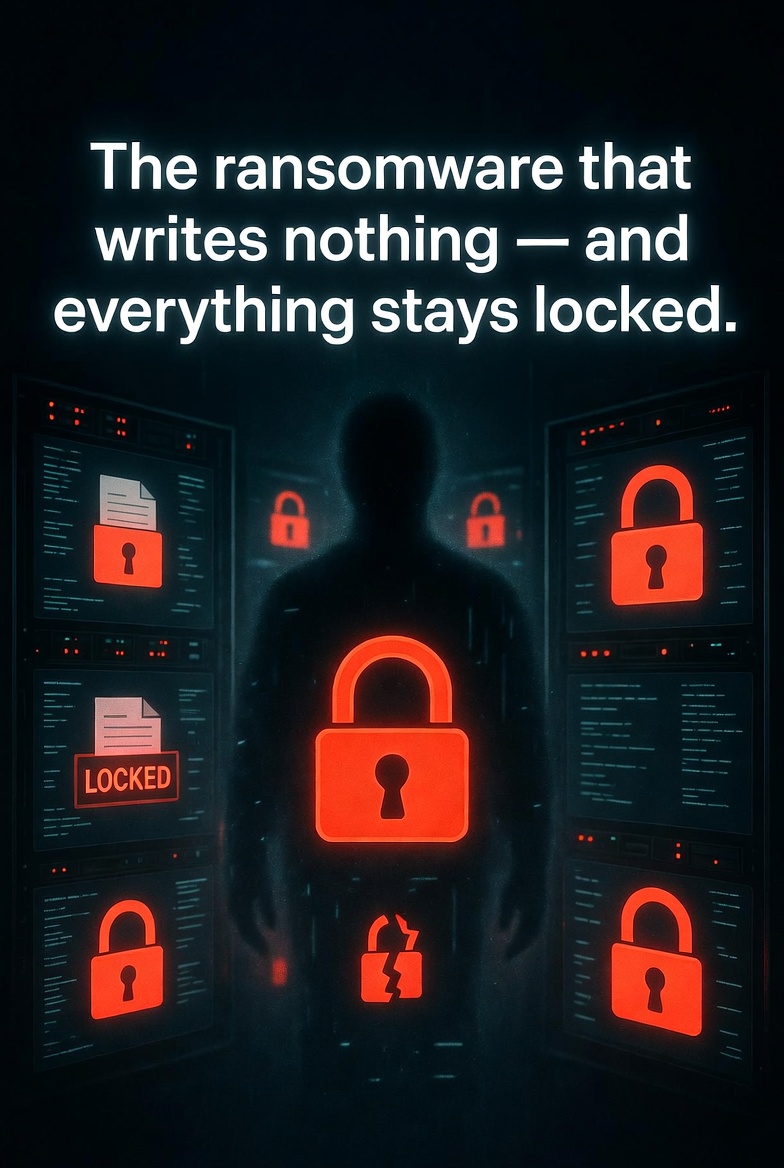
The ransomware that writes nothing — and everything stays locked
Imagine walking into your office on a Monday morning. Your file server is online. Your drives are intact. Your backups are untouched. No ransom note. No encrypted files. No alerts from your SIEM, your EDR, or your storage logs.
And yet — every single file is locked. Your team can’t open anything. Your customers can’t access their documents. Your business is frozen.
This isn’t hypothetical. It’s called GhostLock. And it works today on every Windows domain that uses SMB file shares — which is almost all of them.
One API call. Zero writes. No patch.
Kim Dvash’s GhostLock research tool demonstrates something terrifying: a standard domain user with read access to an SMB share can lock every file on that share permanently. No administrator privileges. No encryption. No writes. No traces in your security stack.
The weapon? A single Windows API function that has existed since Windows NT 3.1: CreateFileW with dwShareMode = 0x00000000.
// One call. No writes. Every other client gets STATUS_SHARING_VIOLATION.
CreateFileW(
    "\\fileserver\\share\\document.pdf",
    GENERIC_READ,
    0x00000000,        // ← Exclusive deny-share
    NULL,
    OPEN_EXISTING,
    FILE_ATTRIBUTE_NORMAL,
    NULL
);
When a process opens a file with dwShareMode = 0, it’s telling Windows: “No one else can touch this file while I have it open.” Not read. Not write. Not even metadata access. Every other client gets STATUS_SHARING_VIOLATION.
Now scale that. GhostLock uses 32 threads to crawl an SMB share, discovering thousands of files in seconds. For each file, it acquires an exclusive deny-share handle. Then it simply waits.
The result? Ransomware-equivalent availability impact. No encryption. No writes. No ransom note. Just locked files.
Why your security stack won’t catch it
This is where GhostLock becomes genuinely frightening. Compare it to traditional ransomware:
| Detection Signal | Encryption Ransomware | GhostLock |
|---|---|---|
| Bulk write I/O | Detectable | None |
| File rename / new extension | Detectable | None |
| Honey file triggered | Write to canary | Read-open only |
| Behavioral AI (write rate) | Fires | No writes |
| EDR on endpoint | Shellcode / injection | Looks like file indexer |
| DLP / content inspection | Bulk read anomaly | Indistinguishable from backup |
| Network traffic anomaly | Bulk SMB writes | Identical to Word opening a doc |
| Storage session open-file count | Not relevant | Only reliable signal |
The only observable that identifies this attack lives inside the NAS session table — a metric virtually no enterprise SIEM currently ingests. Your EDR sees a process opening files. Your network monitoring sees normal SMB read traffic. Your DLP sees someone reading documents — which is indistinguishable from a backup job or an indexer.
How the attack works
GhostLock’s attack flow is deceptively simple:
- Discover — Crawl the target SMB share using
os.scandir()with 32 parallel threads. A 4,821-file share takes ~8 seconds. - Lock — For each file, call
CreateFileW(dwShareMode=0)to acquire an exclusive deny-share handle. - Hold — Keep all handles open indefinitely (or for a set duration).
- Release — On Ctrl+C, release all handles and write a JSON + Markdown report.
The tool requires only:
- A Windows 10 / Server 2016 or later machine
- A domain user account with read access to the target share (no write needed)
- A sentinel file created by an administrator (safety mechanism to prevent accidental misuse)
No third-party packages. No dependencies. Pure Python standard library.
# Interactive mode
python ghostlock.py

# CLI mode — lock everything indefinitely
python ghostlock.py "\\fileserver\share\dept" `
    --existing-folder `
    --confirm-existing-lock `
    --hold-indefinite
Why this changes how we think about ransomware
For years, the cybersecurity industry has focused on detecting writes. Encryption writes to disk. File renaming writes to disk. Ransom notes write to disk.
GhostLock writes nothing. It achieves the same business impact — denial of access to critical data — without ever triggering a single write-based alert.
This is a paradigm shift. Defenders have been looking for the wrong signals.
The attack also highlights a deeper problem: excessive file access. Your standard domain user has read access to thousands of files they don’t need. In a least-privilege model, a marketing employee shouldn’t be able to lock engineering design documents. But in most organizations, they can.
The sentinel safety mechanism
The GhostLock tool itself includes a thoughtful safety feature: a sentinel file named .ghostlock_authorized must exist in any target directory before the tool will lock existing files.
New-Item -ItemType File "\\server\share\targetfolder\.ghostlock_authorized"
This prevents accidental execution. But an attacker who has compromised a domain user can easily create this file themselves — they have write access to the share? Wait, no. The attacker doesn’t need write access to create the sentinel. They need write access to that specific directory. But in many organizations, standard users can write to at least one share. That’s all it takes to bootstrap the attack.
The research behind GhostLock
Kim Dvash’s full research paper, “GhostLock: SMB Deny-Share Handles as a Zero-Privilege Availability Weapon” (May 2026), is available on Zenodo. The research site is ghostlock.io.
The tool is intended for authorized security testing and research only. Running GhostLock against any system without explicit written authorization is illegal and unethical.
How to protect your organization
There’s no patch for GhostLock. But there are mitigations:
- Monitor SMB session open-file counts — This is the only reliable detection signal. Ingest NAS session metrics into your SIEM. Alert on any single session opening thousands of files without closing them.
- Implement file-level least privilege — Users shouldn’t have read access to files they don’t need for their job. Regular access reviews reduce the blast radius.
- Shorten SMB session timeouts — Aggressive session timeouts can force handle releases, though an attacker can simply re-acquire them.
- Deploy file server behavioral analytics — Look for anomalous open-file patterns, especially from unexpected processes or user accounts.
- Test your own environment — Authorized penetration testing should include deny-share handle abuse scenarios. If you’re not testing for this, you’re assuming you’re safe. You’re not.
Final thoughts
GhostLock is a wake-up call. It proves that our detection strategies are still stuck in the 2010s, looking for writes and encryption where modern attackers don’t need them.
The next generation of ransomware won’t encrypt your files. It will just lock them. No ransom note. No alerts. No trace. Your business will grind to a halt, and you won’t know why until a researcher tells you.
Don’t wait for that call.
🦞 Want to test if your SMB shares are vulnerable?
I offer authorized penetration testing that includes deny-share handle abuse scenarios. DM me first. Quick chat. Then we book a call if we’re a fit.
No Calendly. Just a human who breaks things (with permission) for a living.



















Leave a Reply