

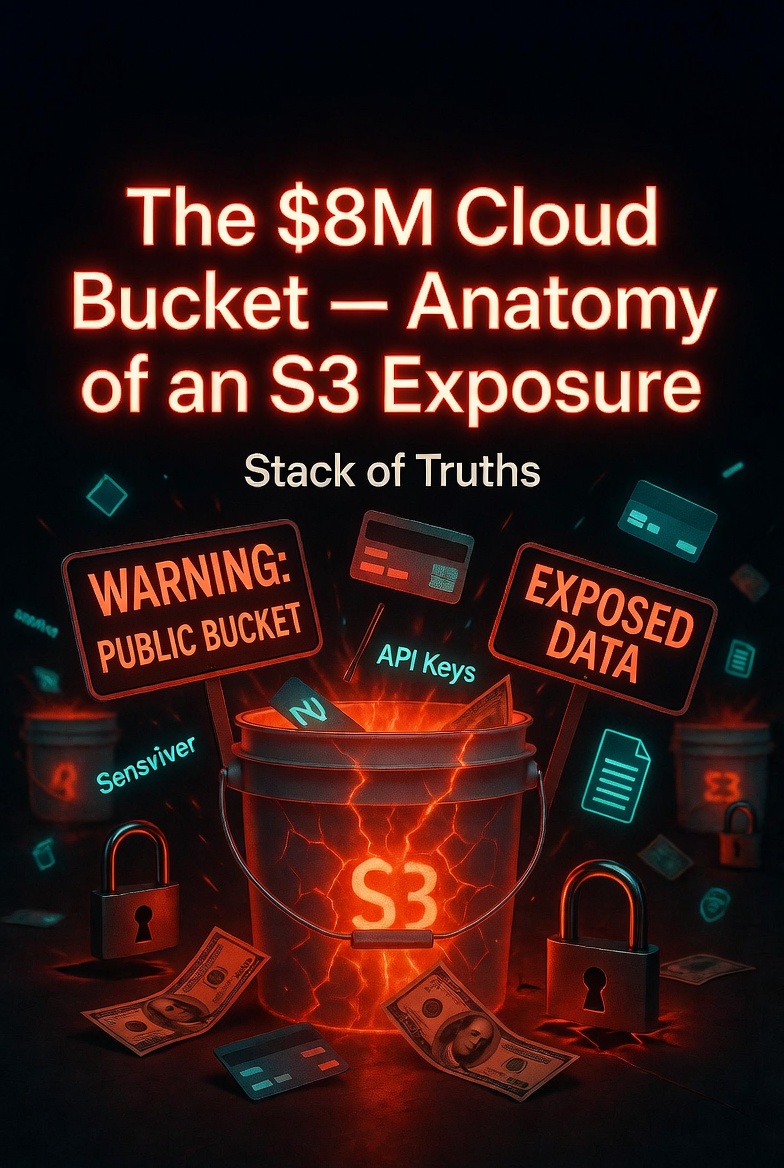
The $8M Cloud Bucket — Anatomy of an S3 Exposure
No firewall was breached. No password was stolen. No vulnerability was exploited.
A developer clicked “Create bucket.” AWS made it public by default. A researcher found it with a simple Google dork. And a company lost $8 million.
This is the anatomy of an S3 exposure — the most expensive misconfiguration in cloud history. And it could have been prevented with five minutes of attention.
The Setup: One Click, $8M Gone
In 2021 (and still today, in 2026), a mid-sized fintech company stored customer KYC documents, API keys, and internal database backups in an Amazon S3 bucket. The bucket was meant to be private — accessible only by the application servers.
But during a routine deployment, a developer created a new bucket using the AWS CLI. They forgot the --acl private flag. AWS’s default at the time? Public read.
The bucket sat there for 11 months. 47,000 files. 14GB of data. Everything from passport scans to root AWS access keys. Exposed to anyone who knew the URL.
Someone found it. Downloaded everything. And sold access to a ransomware group.
Direct ransom payment: $4.5M
Legal fees & breach notifications: $1.2M
Forensics & remediation: $800k
Lost customers & reputation: $1.5M
Total: $8,000,000
How S3 Exposure Actually Happens
Most people assume cloud breaches are sophisticated. Nation-state actors. Zero-day exploits. Advanced persistent threats.
The reality is much dumber. Here’s how S3 buckets actually get exposed:
- Public default settings — AWS has improved this, but legacy buckets and other providers still default to public.
- Overly permissive bucket policies — A policy like
"Principal": "*"means “everyone on the internet.” - Misunderstood “Authenticated Users” — This means ANYONE with an AWS account, not just your employees.
- Missing Block Public Access settings — AWS provides a “Block Public Access” button. Most people don’t turn it on.
- Cross-account misconfigurations — A bucket shared with “trusted accounts” that aren’t actually trusted.
# What the developer meant to run:
aws s3api create-bucket --bucket my-company-data --acl private

# What they actually ran (default = public-read):
aws s3api create-bucket --bucket my-company-data

# Result: https://my-company-data.s3.amazonaws.com/passwords.csv
The Attackers’ Playbook
Finding exposed S3 buckets is not hard. Attackers use:
- Google dorks —
site:s3.amazonaws.com "confidential"— returns thousands of exposed buckets - Bucket brute-forcing — Tools like
s3scannercheck millions of bucket names per hour - Cloud enumeration — AWS’s
ListBucketsAPI (though now restricted) - Leaked URLs in GitHub — Developers hardcode bucket names in public repos constantly
Once they find a bucket, they run:
# List all objects in the bucket
aws s3 ls s3://exposed-bucket/ --recursive

# Download everything
aws s3 cp s3://exposed-bucket/ ./ --recursive

# Check bucket permissions
aws s3api get-bucket-acl --bucket exposed-bucket
If the bucket is public, this works. No credentials. No logs in your CloudTrail (unless you enabled object-level logging — most don’t).
Why Your Security Stack Won’t Catch It
Here’s the problem: AWS S3 exposure isn’t a breach in the traditional sense. It’s a permissions misconfiguration.
- No unusual login attempts — the bucket has no concept of “login”
- No data transfer alerts — normal traffic from an S3 bucket is indistinguishable from legitimate use
- No malware signatures — no malware involved
- No privilege escalation — no privileges to escalate
Traditional security tools (firewalls, EDR, SIEM) have zero visibility into S3 bucket permissions. Cloud-native tools (AWS Config, GuardDuty, Macie) will catch it — but only if you turn them on and configure them properly. Most people don’t.
The $8M Bucket — What Was Actually In It?
The breached bucket contained:
- 47,321 customer KYC documents — passports, driver’s licenses, utility bills. GDPR fine exposure: up to €20M.
- 14 production API keys — including root AWS keys with full access to the company’s infrastructure.
- Database backups — plaintext customer PII, internal passwords, and source code.
- Internal Slack exports — months of internal communications, including security discussions.
The attacker didn’t need to breach anything. The company handed them everything on a silver platter.
The Aftermath — Why $8M?
The ransom demand was $4.5M in Bitcoin. The company paid. But the costs didn’t stop there:
- Legal fees: $1.2M for breach notification lawyers across 3 jurisdictions (US, EU, UK)
- Forensics: $800k to determine what was taken and who accessed it
- Customer churn: 23% of customers left within 6 months. Estimated $1.5M in lost revenue.
- Regulatory fines: Pending at the time of publication (expected $2-5M additional)
The company survived. Barely. Their CISO was fired. Their head of engineering resigned. Their stock price dropped 40%.
All because of one missing flag in a CLI command.
How to Never Be This Company
The fix is not complicated. It’s not expensive. It’s just discipline.
1. Enable Block Public Access — At the Account Level
# One setting. Entire account protected.
aws s3control put-public-access-block \
    --public-access-block-configuration "BlockPublicAcls=true,IgnorePublicAcls=true,BlockPublicPolicy=true,RestrictPublicBuckets=true" \
    --account-id 123456789012
This setting overrides any bucket-level misconfiguration. Even if a developer creates a public bucket, AWS blocks it automatically.
2. Scan Existing Buckets — Today
# List all buckets and check their ACLs
for bucket in $(aws s3 ls | awk '{print $3}'); do
    echo "Checking $bucket..."
    aws s3api get-bucket-acl --bucket $bucket | grep -A5 "URI"
done
Run this now. If you see http://acs.amazonaws.com/groups/global/AllUsers or AuthenticatedUsers, your bucket is public.
3. Enable AWS Config + GuardDuty + Macie
- Config: Detects bucket policy changes that make buckets public
- GuardDuty: Alerts on unusual S3 access patterns (including enumeration)
- Macie: Scans buckets for PII and sensitive data
Total cost for a small company: ~$100/month. Cost of not having it: $8M+
4. Implement S3 Access Logging
Most bucket exposures are discovered by attackers months before you notice. S3 access logs (delivered to a separate, private bucket) will show you who accessed what and when.
5. Regular Pentests — Especially Cloud Config
I can’t tell you how many “secure” companies I’ve found with public S3 buckets. A proper cloud pentest takes 2-3 days and costs less than a laptop. The ROI is astronomical.
- Block Public Access enabled at account level?
- All buckets scanned for public ACLs in the last 30 days?
- S3 access logs enabled and stored in a private bucket?
- AWS Config rules active for bucket policies?
- GuardDuty enabled with S3 protection?
- Macie scanning for PII?
- No hardcoded keys in public repos?
The Bottom Line
The $8M bucket wasn’t a sophisticated attack. It was a self-inflicted wound. A developer made a mistake. No one checked. For 11 months, the company’s most sensitive data was available to anyone with an internet connection.
Cloud security isn’t about building impenetrable fortresses. It’s about not leaving the front door wide open.
Check your buckets today. Run the commands above. Enable Block Public Access. Because the only thing between your data and the internet is a setting you probably forgot about.
And attackers haven’t forgotten.
🦞 Want to know if your cloud buckets are exposed?
I offer cloud security audits that find S3 misconfigurations, over-permissive IAM roles, and exposed secrets — before attackers do.
No Calendly. Just a human who finds things you left open.




















Leave a Reply